- Proxmox, Unraid, TrueNAS, XCP-ng: four very different approaches for the same hardware
- Proxmox is the most versatile choice for learning — it's what I run
- VMware ESXi is no longer a viable option for personal homelabs since the Broadcom acquisition
An old PC with nowhere to be
I looked at the old gaming PC collecting dust in the corner and decided to put it to work. Self-hosted services, no more cloud subscriptions, something I actually control. The plan was clear. But before I even touched a USB stick, I ran into the first question: which hypervisor?
Proxmox, Unraid, TrueNAS, VMware, XCP-ng... Each with passionate advocates, each with compelling arguments. I spent a good week reading comparisons before landing on something.
Here's what I wish I'd found back then.
Why virtualise instead of installing an OS directly?
You can absolutely install Ubuntu straight on the PC. It works. But you'll quickly end up with a system that looks like a plate of spaghetti — dependencies stomping on each other, nothing easy to test cleanly, and if something breaks, everything goes down with it.
Virtualisation fixes that. You install a hypervisor — a minimal OS whose only job is to run isolated virtual machines. Each service in its own bubble. If your Jellyfin server crashes, your Pi-hole keeps running. You can take a snapshot before a risky update and roll back in thirty seconds if things go sideways.
That's also what makes homelabs addictive: you can experiment without ever really breaking anything important.
The candidates in 2026
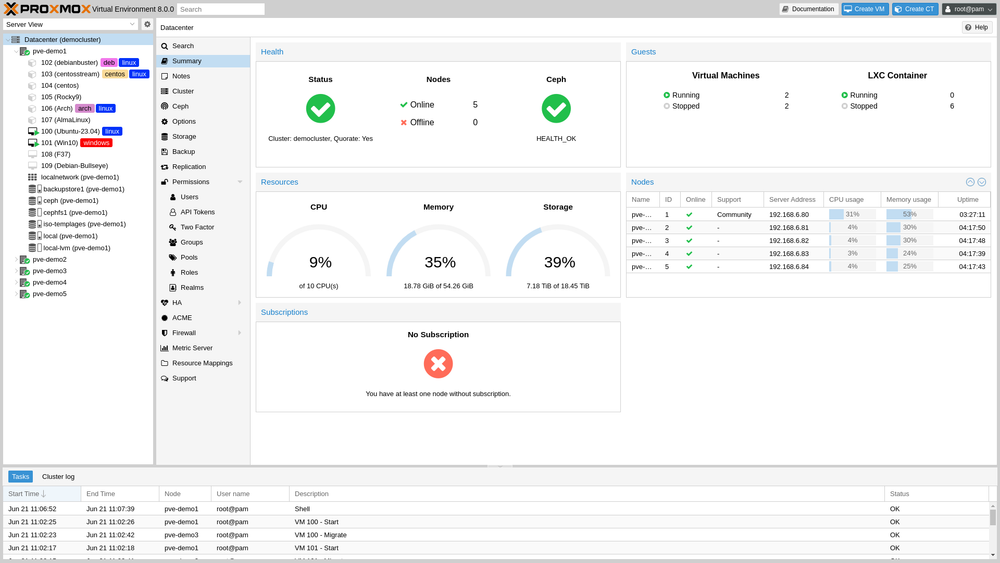
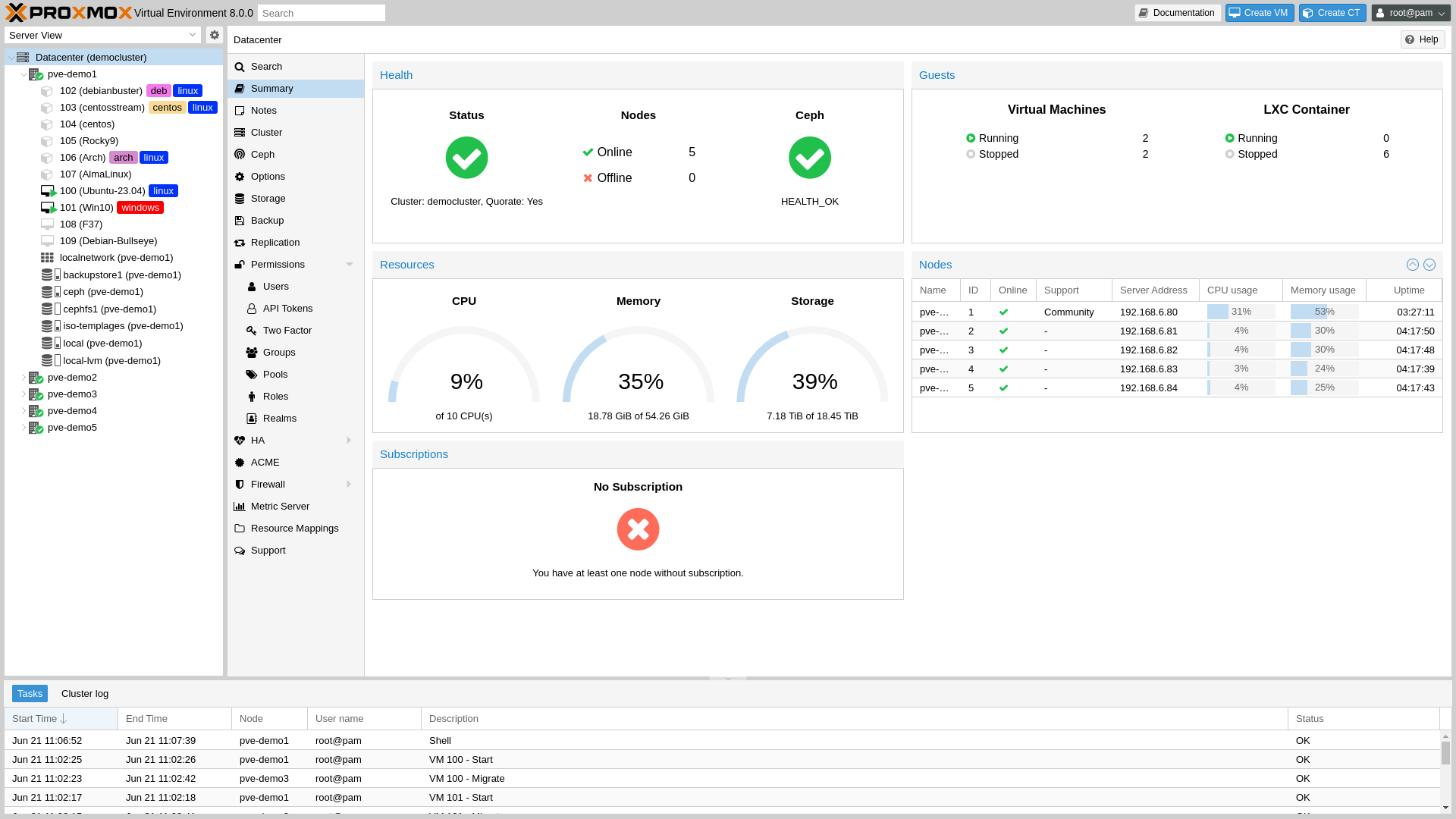
Proxmox VE

The homelab community's default choice — and mine. Proxmox is an open-source hypervisor based on Debian that manages both VMs (via KVM) and lightweight system containers (via LXC) from a single web interface.
What makes it hard to beat for learning is the community. Hundreds of tutorials, active forums, scripts to get anything running in a few commands. Stuck at 11pm? Someone's already been there and the answer is somewhere on Reddit or the Proxmox forums. The concepts you learn here — clustering, replication, high availability — are the same ones used in production environments.
Unraid

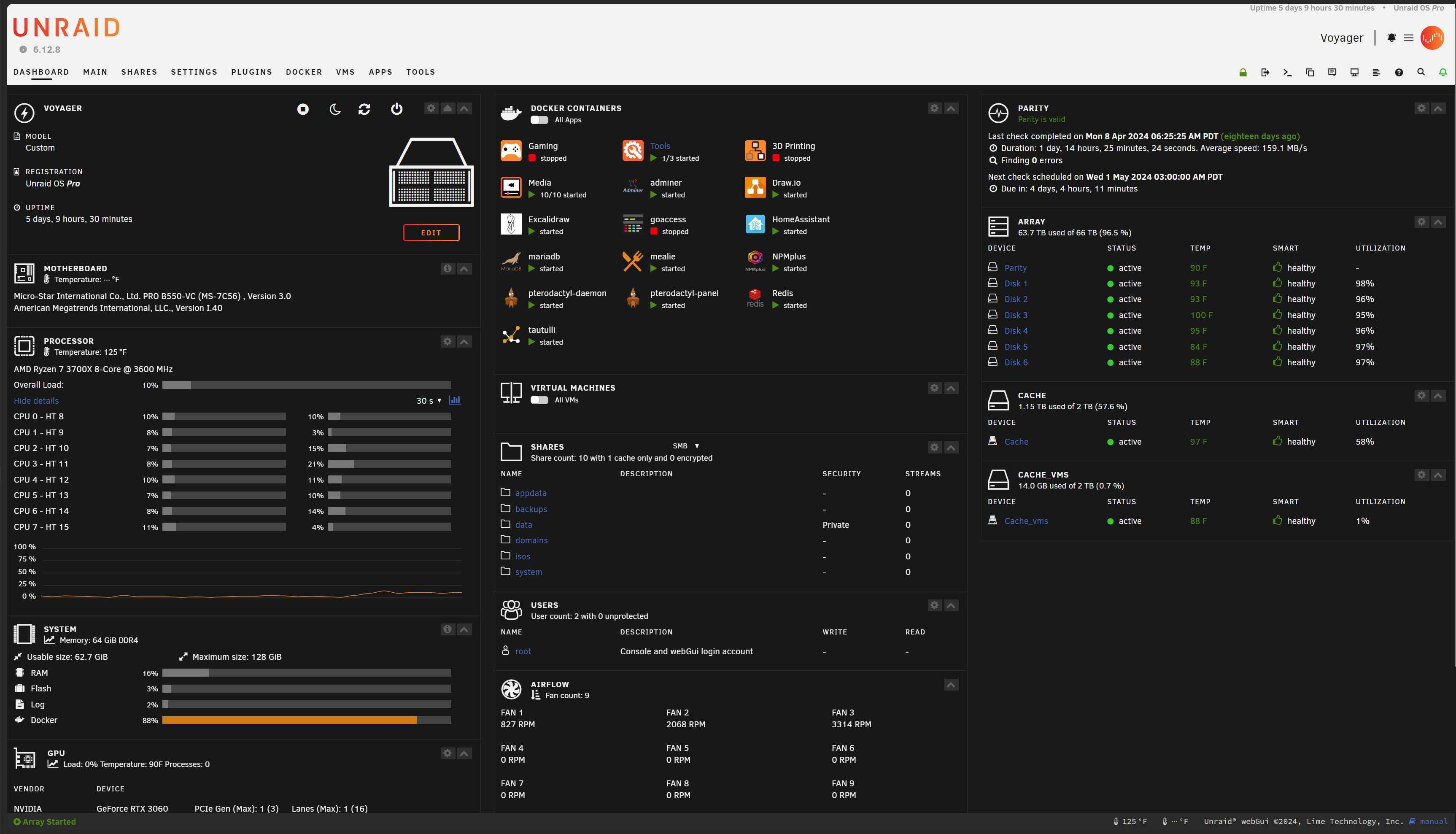
Probably the most accessible option if you're genuinely starting from zero. The interface is polished, the learning curve is gentle, and its storage approach is unique: instead of traditional RAID, it uses a parity system that lets you mix drives of different sizes. Handy when you're pulling disks from different generations of hardware.
The catch: it costs money. One-time license starting at ~$49. Not unreasonable, but worth noting when everything else on this list is free.
VMware ESXi / vSphere

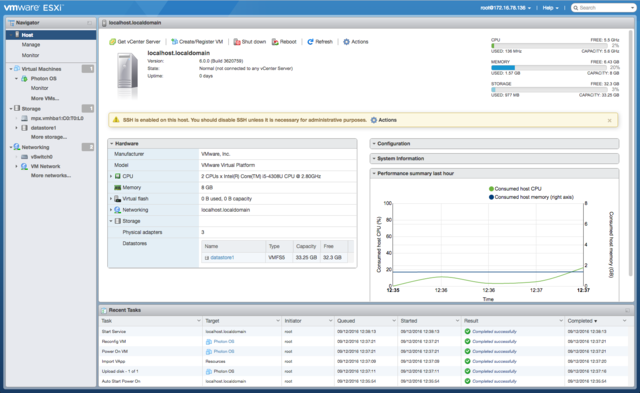
VMware ESXi was the reference in enterprise datacenters for decades. If you work in IT, you've likely crossed paths with vSphere. But since the Broadcom acquisition in 2023, things changed sharply: the free ESXi tier was discontinued, and licenses are now priced far beyond personal use.
In 2026, ESXi still makes sense if your company pays for it or if you're studying for VMware certifications. For a personal homelab, it's no longer a realistic option.
TrueNAS SCALE

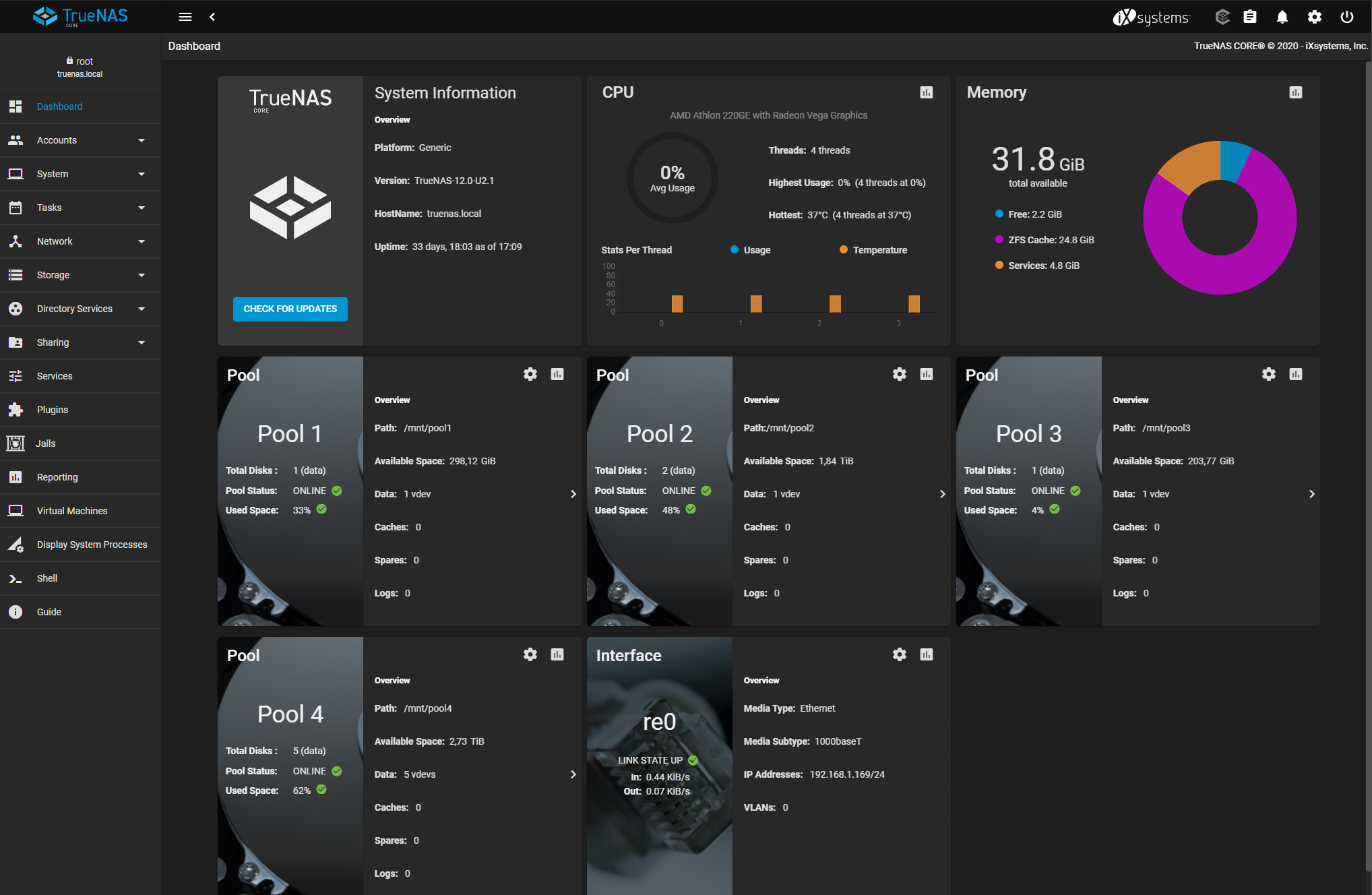
TrueNAS is built around ZFS, the most robust file system available for data protection. If your absolute priority is to never lose photos, videos or backups, this is your option. The recent "Electric Eel" release also cleaned up the app interface considerably.
Where it shows its limits is when you want to run a dozen different services. The experience is clearly NAS-first — VMs and apps are there as a bonus, not the main event.
XCP-ng

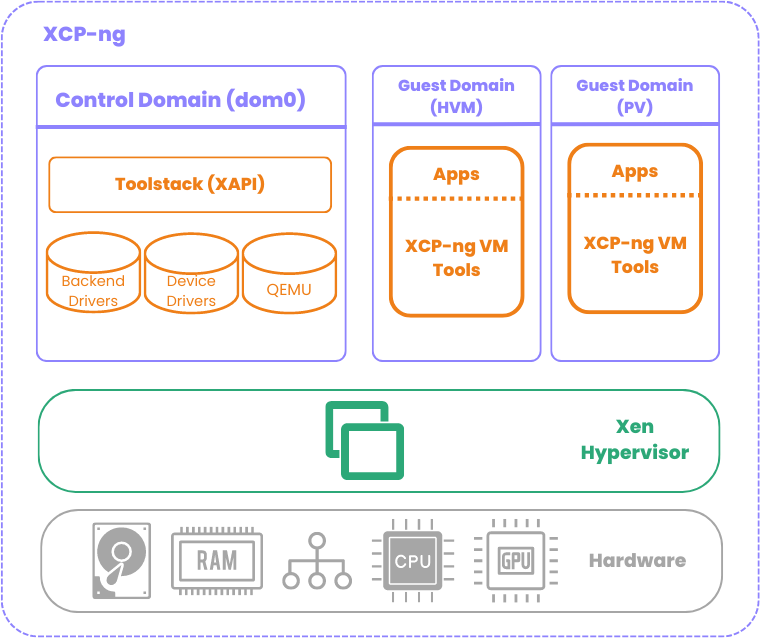
XCP-ng is an open-source fork of Citrix XenServer, born in 2018. It runs on the Xen hypervisor — the same technology powering part of Amazon AWS's infrastructure. Paired with Xen Orchestra for management, it's capable, stable, and completely free.
Less documented than Proxmox for homelab use cases, but gaining ground with people coming from the VMware world who want a serious alternative without the enterprise price tag.
The comparison table
| Solution | Price | Difficulty | VMs | Containers | Strength |
|---|---|---|---|---|---|
| Proxmox VE | Free | ⭐⭐⭐ | ✅ | ✅ LXC | Versatility + community |
| Unraid | ~$49+ | ⭐⭐ | ✅ | ✅ Docker | Ease + mixed storage |
| VMware ESXi | Paid 💸 | ⭐⭐⭐ | ✅ | ❌ | Enterprise standard |
| TrueNAS SCALE | Free | ⭐⭐⭐ | ✅ | ⚠️ Apps | Premium ZFS storage |
| XCP-ng | Free | ⭐⭐⭐⭐ | ✅ | ❌ native | Serious VMware alternative |
Why I chose Proxmox
After a week of reading, I landed on Proxmox. It's the most adaptable option for learning and experimenting on modest hardware — which is exactly what this series follows.
It's completely free — the paid subscription adds enterprise repos and commercial support, not features. It handles both KVM VMs and LXC containers in the same interface, which is genuinely rare. And the volume of community resources available is in a different league from the other options.
I'd have picked Unraid if ease of use was my top priority. TrueNAS if I had terabytes of critical data to protect. But for exploring and learning: Proxmox.
Minimum hardware to get started
Proxmox doesn't ask for much. For the OS itself: any 64-bit CPU with virtualisation enabled in BIOS (Intel VT-x or AMD-V), 8GB RAM minimum (16GB to be comfortable), a small 32GB SSD for the install, and a wired network card. Any old gaming PC handles it fine.
If you have an old gaming PC sitting around — which is exactly what this series is about — you probably have everything you need already. On Wi-Fi: it technically works, but stick to Ethernet. Stability isn't comparable, and you'll regret it the first time you try to migrate a VM.
The rest of this series
- Which hypervisor to choose? — you're here
- Installing Proxmox step by step — from ISO to first boot
- Setting up your first virtual network — VLANs, bridges, and best practices
- Deploying your first services — LXC containers and VMs
- Securing your homelab — firewall, remote access, backups